


Introduction
Best Photoshop Alternative tools are gaining attention as users seek powerful yet affordable photo editing solutions. Adobe Photoshop, while advanced, can be expensive and complex for everyday users. Many turn to options like Photopea, launched by Ivan Kuckir in 2013, which supports PSD files right in the browser.
GIMP, an open-source editor since 1996, offers pro-level features for free. Affinity Photo appeals to professionals with a one-time purchase and powerful editing tools. Beginners love Pixlr and Canva for their easy, web-based design capabilities.
Artists prefer Krita, initially released in 2005, for digital painting. Whether editing photos or creating art, finding a Photoshop alternative ensures quality results without the high cost or learning curve.
Why You Might Need a Best Photoshop Alternative?
Photoshop is known for its advanced features, but it can be expensive and complicated to learn. Not everyone needs such a complex program, especially if you only do basic edits. Many users want something easier to use or free of cost. This is where looking for the best Photoshop alternative comes in handy—offering editing power, simplicity, and affordability for people with different needs and skills.
| Tool | Platform | Best For | Key Features | Cost |
| Photopea | Web-based | Quick PSD editing | Works in browser, PSD support, no install | Free |
| GIMP | Desktop | Advanced free editing | Layers, filters, plugins, open-source | Free |
| Affinity Photo | Desktop | Professional-grade editing | One-time purchase, HDR, PSD support | Paid (one-time) |
| Pixlr | Web-based | Fast, simple edits | Beginner-friendly, cloud-based | Free & Premium |
| Canva | Web-based | Social media and graphic design | Templates, drag-and-drop interface | Free & Premium |
| Krita | Desktop | Digital painting and art | Brushes, animation tools, open-source | Free |
Photopea – Free and Online With PSD Support
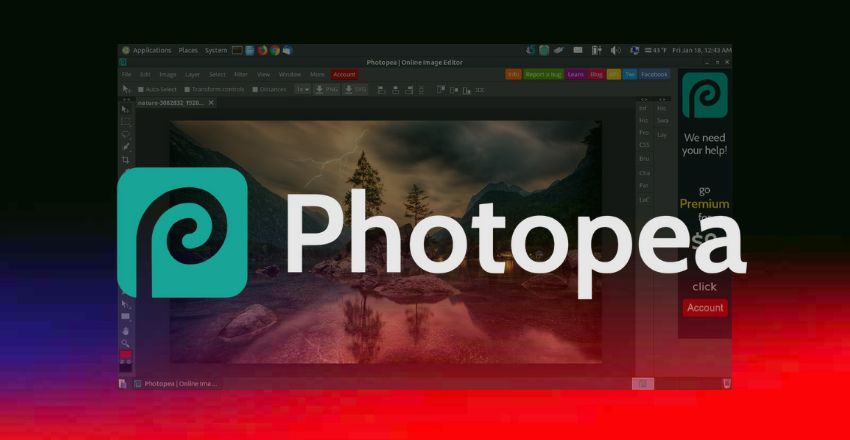
Photopea is a free web-based editor that works directly in your browser. It supports PSD files, making it perfect for those familiar with Photoshop. The interface looks and feels very similar, so switching over is easy. You don’t need to install anything—open the site and start editing. For many users, Photopea is the best Photoshop alternative when they need something quick, simple, and accessible from any device.
GIMP – A Powerful Free Photoshop Alternative
GIMP, which stands for GNU Image Manipulation Program, is an open-source tool that’s been trusted by users for years. It offers layers, masks, filters, and advanced editing tools that rival Photoshop. While its interface isn’t as polished, it’s highly customizable and can be enhanced with plugins. GIMP is often considered the Photoshop alternative for those who want advanced capabilities without paying for software or a monthly subscription.
Affinity Photo – Pro Tools With a One-Time Cost
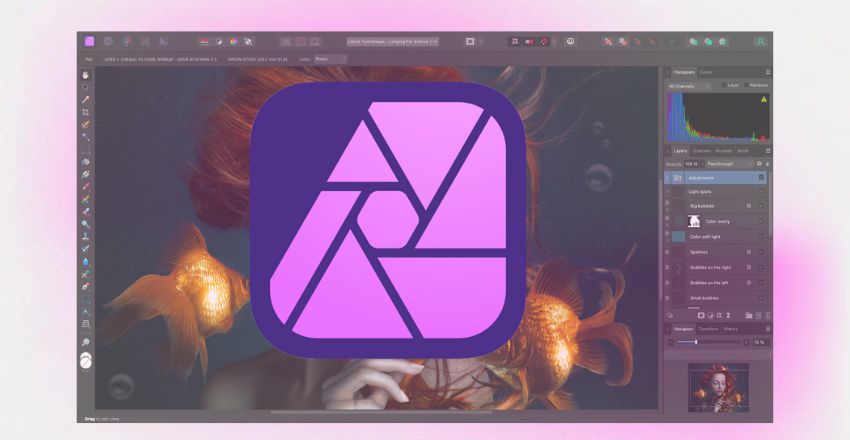
Affinity Photo is a professional-grade editor that doesn’t require a monthly subscription. You pay once, and you own it forever. It offers features like HDR editing, focus stacking, and advanced layering, making it ideal for photographers and designers. Many users praise it as the Photoshop alternative because of its smooth performance, affordable price, and support for PSD files. It’s a strong choice for serious users on a budget.
Pixlr – User-Friendly and Web-Based
Pixlr is an online photo editor with two versions: Pixlr X for beginners and Pixlr E for advanced users. It works directly in your browser and doesn’t require installation. The interface is clean, and the tools are intuitive, making it easy for anyone to get started. With drag-and-drop features and cloud storage, Pixlr is the best Photoshop alternative for quick, casual edits on the go or any device.
Canva – Best for Social Media and Simple Designs
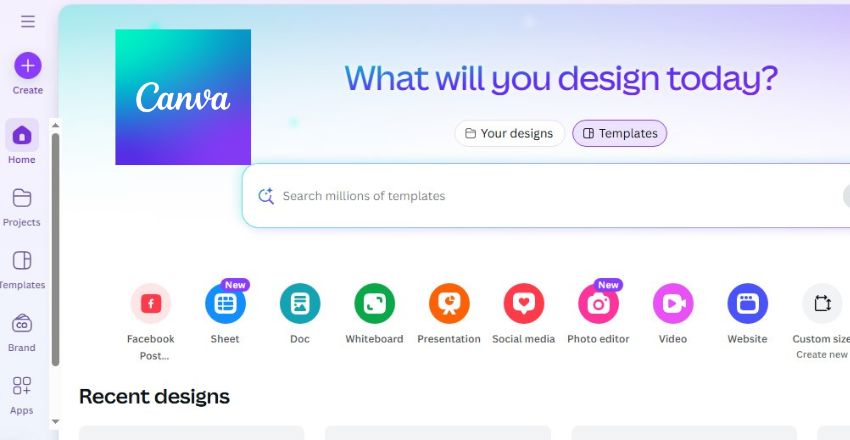
While Canva isn’t a traditional photo editor, it’s perfect for creating visual content like social media graphics, flyers, and presentations. It uses a simple drag-and-drop interface and comes with thousands of templates. Canva is very beginner-friendly and helps users create beautiful designs in minutes. For content creators and marketers, Canva is the Photoshop alternative when the focus is on layout, branding, and shareable content rather than deep photo editing.
Krita – Ideal for Digital Art and Illustrations
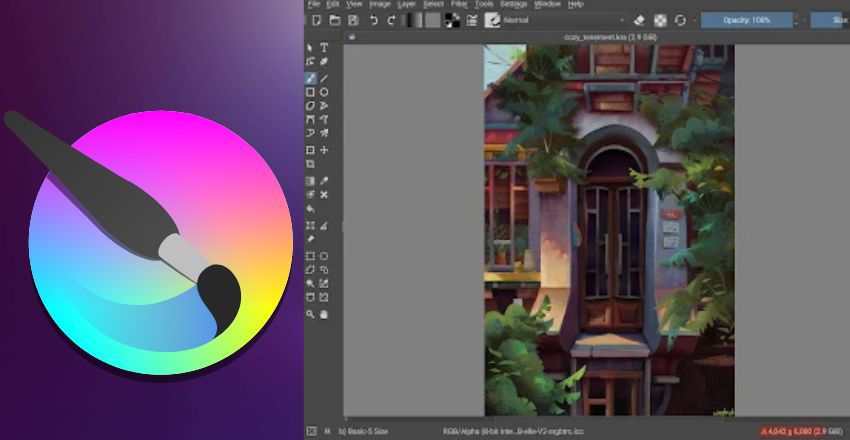
Krita is a free, open-source program for digital painting and illustration. It offers a wide range of brushes, stabilizers, and canvas controls, making it perfect for artists. While it isn’t built for photo editing like Photoshop, Krita excels in digital art creation. Krita is the best Photoshop alternative for illustrators and concept artists, thanks to its professional features, lightweight design, and complete freedom from subscription fees.
Choosing the Outstanding Option
- The Photoshop alternative depends on your goals.
- Need advanced features for free? Try GIMP or Photopea.
- Want a one-time purchase? Affinity Photo is great.
- For design templates, Canva is a winner.
- If digital painting is your focus, Krita will serve you well.
- Consider what features matter most to you—cost, usability, speed, or compatibility—and choose the tool that best fits your workflow and experience level.
Conclusion
Choosing the best Photoshop alternative depends on your editing needs, budget, and skill level. Whether you want a free tool like GIMP or Krita, a browser-based option like Photopea or Pixlr, or a one-time purchase like Affinity Photo, there’s a solution for everyone. These tools make photo editing easier, more affordable, and accessible, proving that you don’t need Photoshop to achieve professional, creative results.
Apart from that, if you are interested to know about “HP Envy x360 15: A Premium 2-in-1 Laptop for Unmatched Performance, Versatility, and Style” then visit our “Tech” category.
FAQs
For beginners, Pixlr and Canva are excellent choices. They offer user-friendly interfaces, require no installation, and provide drag-and-drop features for easy photo editing and design creation.
Photopea and Affinity Photo both support PSD file formats. Photopea is a free web-based tool, while Affinity Photo is a paid professional software with a one-time purchase model.
Yes, GIMP is a powerful open-source editor with advanced features like layers, masks, filters, and plugin support. It’s completely free and often recommended for users needing pro-level tools without the cost.
Krita is considered the Photoshop alternative for digital painting and illustration. It’s free, open-source, and designed specifically for artists, with advanced brush engines and canvas tools.
Yes, many alternatives like Affinity Photo and GIMP offer advanced tools and PSD support, making them suitable for professional use, especially for designers seeking affordable and efficient solutions.