


Alienware X14
The Alienware X14 Slim Gaming Laptop has quickly become one of the most talked-about gaming laptops in 2025. Designed to combine portability with raw gaming power, it stands out as Alienware’s thinnest model yet, without compromising performance. Gamers often struggle to find a laptop that strikes a balance between a lightweight design, high FPS gameplay, strong battery life, and efficient cooling.
Still, the Alienware X14 attempts to bridge that gap. In this review, we’ll explore its specs, gaming benchmarks, heat management, price comparison, and optimization tips to help you decide whether this machine is the right investment for your gaming needs.
Alienware X14 Slim Gaming Laptop Key Facts
| Feature | Details |
|---|---|
| Model | Alienware X14 Slim Gaming Laptop |
| Release Year | 2025 |
| Laptop Type | Slim Gaming Laptop |
| Thickness | 0.57 inches |
| Weight | 4.1 lbs (1.9 kg) |
| Build Material | CNC-machined aluminum & magnesium alloy |
| Display Size | 14-inch Full HD |
| Display Refresh Rate | 144Hz, 3ms response time |
| GPU Options | NVIDIA GeForce RTX 4050 / RTX 4060 |
| CPU Options | Up to Intel Core i7 13th Gen |
| RAM | Up to 32GB LPDDR5 (soldered) |
| Storage | Up to 2TB PCIe NVMe SSD (upgradeable) |
| Battery Capacity | 80Wh |
| Battery Life (Web Browsing) | 6–7 hours |
| Battery Life (Gaming) | 2–2.5 hours |
| Cooling System | Alienware Cryo-Tech with dual fans & vapor chamber |
| Gaming FPS (Cyberpunk 2077, High, DLSS) | ~80–90 FPS |
| Gaming FPS (Warzone 2.0, High) | ~120 FPS |
| Gaming FPS (Fortnite, Epic) | ~130–140 FPS |
| Ports | Thunderbolt 4, HDMI 2.1, USB-C, USB-A, headphone jack |
| Connectivity | Wi-Fi 6E, Bluetooth 5.2 |
| Price (Base Model) | $1,599 |
| Price (High-End Model) | $2,199 |
| Best Use | Portable high-performance gaming |
| Main Competitors | ASUS ROG Zephyrus G14, Razer Blade 14 |
Alienware X14 Specs and Build Quality
The Alienware X14 is one of the slimmest gaming laptops ever produced by Dell’s Alienware brand, designed for gamers who demand portability without sacrificing power. Measuring just 0.57 inches in thickness and weighing around 4.1 pounds, the laptop strikes a balance between mobility and performance.
A prebuilt laptop suits some players, but anyone who wants full control over thermals and upgrades should read up on how to build a gaming rig and pick the parts themselves.
Key specifications include:
- Processor Options: Up to Intel Core i7 13th Gen
- Graphics Card: NVIDIA GeForce RTX 4060 Laptop GPU (with 80–100W TGP)
- Display: 14-inch FHD (1920×1080), 144Hz refresh rate, 3ms response time
- Memory: Up to 32GB LPDDR5 RAM
- Storage: Up to 2TB PCIe NVMe SSD
- Connectivity: Wi-Fi 6E, Bluetooth 5.2, Thunderbolt 4, HDMI 2.1, USB-C, USB-A
- Keyboard: AlienFX customizable RGB lighting
The chassis is constructed from CNC-machined aluminum and magnesium alloy, providing durability while maintaining a sleek and futuristic design.
Gaming Performance and FPS Benchmarks
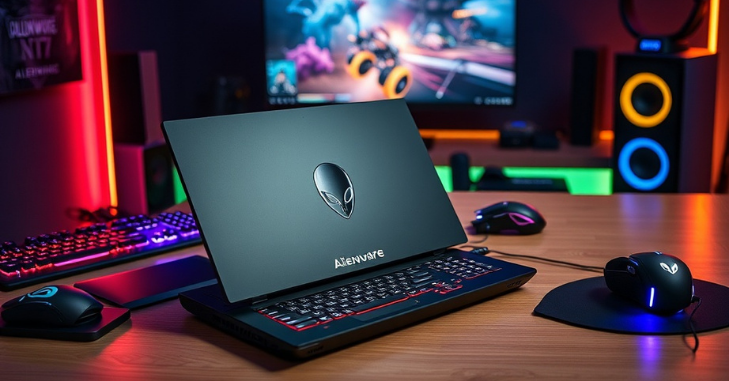
Performance is where the Alienware X14 truly stands out, thanks to its slim form factor. Powered by NVIDIA RTX 40-series GPUs, it can deliver smooth 1080p gaming with high frame rates.
- AAA Titles (2025 benchmarks):
- Cyberpunk 2077 (High settings, DLSS on): ~80–90 FPS
- Call of Duty: Warzone 2.0 (High settings): ~120 FPS
- Fortnite (Epic settings, DX12): ~130–140 FPS
- Shadow of the Tomb Raider (High settings, RTX On): ~95 FPS
The 144Hz refresh rate ensures buttery-smooth gameplay, especially in esports titles like Valorant, CS2, and Apex Legends. Although it’s a compact laptop, the Alienware X14 is capable of delivering desktop-like gaming performance at a 1080p resolution.
Battery Life and Real-World Test
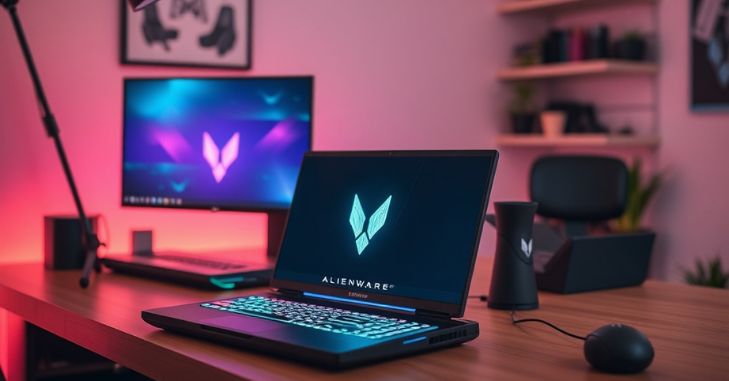
Battery life is a common concern for gaming laptops, and the Alienware X14 performs reasonably well considering its powerful hardware. Equipped with an 80Wh battery, it delivers:
- Web Browsing & Light Work: Around 6–7 hours
- Video Streaming (1080p): About 5 hours
- Gaming (High settings): 2–2.5 hours on average
For extended gaming, it is best to keep the laptop plugged in. Alienware also features fast charging technology, enabling the battery to charge from 0% to 80% in just under 45 minutes.
Heat Management and Cooling Efficiency
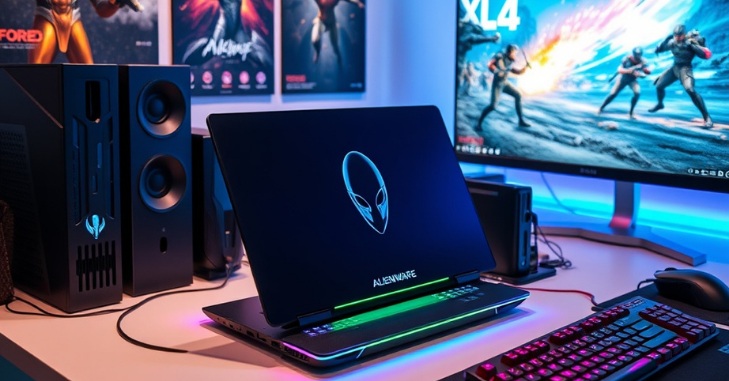
Heat management is often a challenge in slim laptops, but Alienware’s Cryo-Tech cooling system makes a noticeable difference.
- Dual-fan design with vapor chamber cooling.
- High-performance thermal materials to prevent throttling.
- Dynamic fan profiles that adjust based on workload.
During intensive gaming, temperatures stay around 75–80°C on the CPU and 70–75°C on the GPU, which is impressive for such a compact device. The keyboard and palm rest remain comfortable, although the rear exhaust area does get warm.
Price Comparison and Value for Money
As of 2025, the Alienware X14 pricing depends on configuration:
- Base Model (RTX 4050, 16GB RAM, 512GB SSD): Around $1,599
- Mid Model (RTX 4060, 16GB RAM, 1TB SSD): Around $1,899
- High-End Model (RTX 4060, 32GB RAM, 2TB SSD): Around $2,199
Compared to competitors like the Razer Blade 14 and ASUS ROG Zephyrus G14, the Alienware X14 offers better cooling efficiency and a more premium build, albeit at a slightly higher price. For gamers prioritizing slim design, portability, and Alienware’s iconic style, it’s a substantial investment.
Setup Tips for Maximum FPS
To get the most out of your Alienware X14, proper setup and optimization are essential. Here are some performance tips:
- Update Drivers Regularly
- Keep your NVIDIA GPU drivers and Alienware Command Center software up to date for optimal stability and access to new features.
- Use Performance Mode
- In Alienware Command Center, switch to High-Performance mode when gaming to unlock the maximum power of your GPU and CPU.
- Adjust In-Game Settings
- For AAA games, enable DLSS or FSR to achieve higher FPS without significantly compromising graphics quality.
- Lower shadow quality and motion blur for a smoother gameplay experience.
- Cooling Pad Support
- Using a slim cooling pad can help lower temps by 5–7°C, ensuring consistent frame rates.
- Power Source Optimization
- Always game while plugged in, as performance drops significantly on battery power.
- Overclocking (Optional)
- Advanced users can apply safe GPU overclocking through Alienware’s built-in tuning features.
Pros and Cons of the Alienware X14
Like every gaming laptop, the Alienware X14 has strengths and trade-offs.
Pros:
- Ultra-slim and portable gaming laptop.
- Premium build quality with futuristic design.
- Smooth 144Hz display for esports and AAA titles.
- An effective cooling system for its size.
- Solid battery performance for everyday use.
Cons:
- Limited 1080p resolution (no QHD option).
- The battery drains quickly under heavy gaming.
- Higher price compared to some competitors.
- Upgrades are limited due to the slim design.
Conclusion
The Alienware X14 Slim Gaming Laptop is a unique blend of style, performance, and portability, making it an excellent choice for gamers who are always on the move. While it may not replace bulkier high-end gaming rigs in raw power, it delivers solid 1080p gaming, smooth 144Hz performance, and reliable thermal management in a remarkably slim body.
Its higher price point and limited upgradability might be drawbacks for some. Still, for players who value premium design, reliable cooling, and portability, the Alienware X14 is a strong contender in 2025’s competitive gaming laptop market. If you’re looking for a slim powerhouse that won’t weigh you down, this machine is worth considering.
Want to know about HP ZBook Firefly Laptops: 14 G7, 14 G8, 14 G9, 14 G10, and 14 G11 Models Compared with Prices and Features Check out our Tech category.
Frequently Asked Questions (FAQs)
Yes, with its 144Hz display and RTX GPU, it handles esports titles like Valorant and CS2 at 120+ FPS, making it ideal for competitive play.
RAM is soldered (non-upgradeable), but the storage is upgradeable with M.2 NVMe SSDs.
Yes, the display supports NVIDIA G-Sync for a tear-free gaming experience.
If you want a slim, premium gaming laptop that balances portability and performance, it’s worth the price. However, budget gamers may find alternatives, such as the ASUS Zephyrus G14, to be a better value.
The Razer Blade 14 offers QHD resolution and slightly better portability. Still, the Alienware X14 stands out with stronger cooling and a more aggressive design.