

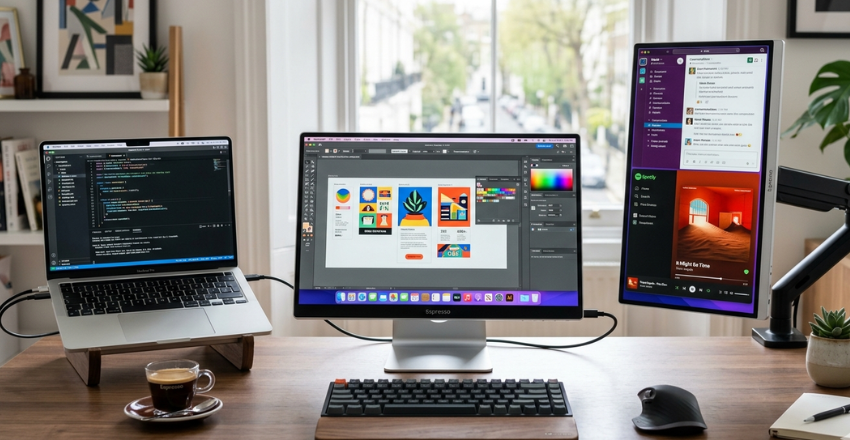
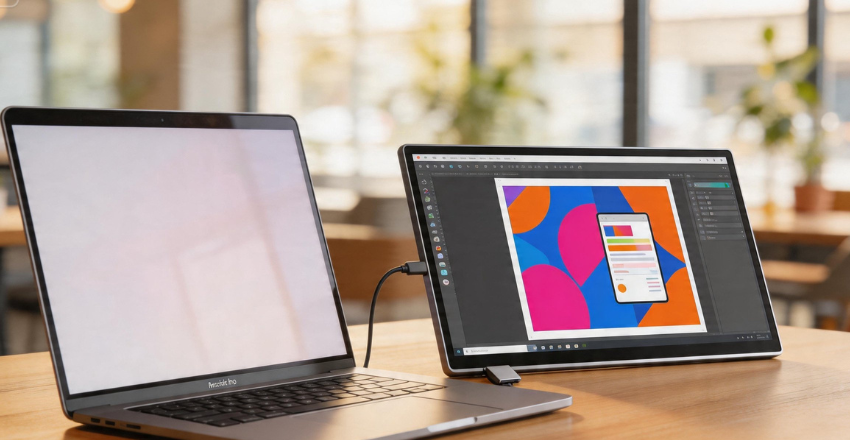
The modern workforce is no longer tethered to a single cubicle. We work from coffee shops, airport lounges, and home offices. However, the biggest hurdle to mobile efficiency has always been screen real estate. Enter the Espresso, a device that claims to be the world’s thinnest portable monitor. In this comprehensive Espresso Display Review: 10 Powerful Features, Performance Insights, and Why It’s Perfect for Portable Productivity, we will explore whether this sleek hardware lives up to the hype.
If you have ever felt cramped while multitasking on a 13-inch laptop, you know the frustration of constantly switching tabs. A portable monitor doesn’t just add pixels; it adds peace of mind. Let’s dive deep into the design, performance, and unique capabilities of this Australian-engineered marvel.
| Feature / Aspect | Description | Benefit for Users |
| Ultra-Slim Design | Thin and lightweight portable monitor | Easy to carry and travel-friendly |
| High-Resolution Display | Full HD or 4K visuals | Sharp images and better viewing experience |
| Touchscreen Support | Interactive touch functionality (model-based) | Improves usability and workflow |
| Plug-and-Play Setup | Simple connection with minimal setup | Saves time and reduces complexity |
| USB-C Connectivity | Single cable for power and display | Cleaner setup and faster performance |
| Premium Build Quality | Durable metal finish design | Long-lasting and professional look |
| Adjustable Viewing Angles | Flexible stand options | Better ergonomics and comfort |
| Color Accuracy | Accurate and vibrant colors | Ideal for designers and creators |
| Multi-Device Compatibility | Works with laptops, tablets, smartphones | Versatile usage across devices |
| Productivity Boost | Enables dual-screen multitasking | Increases efficiency and workflow speed |
Design and Build Quality: Engineering the Thinnest Monitor
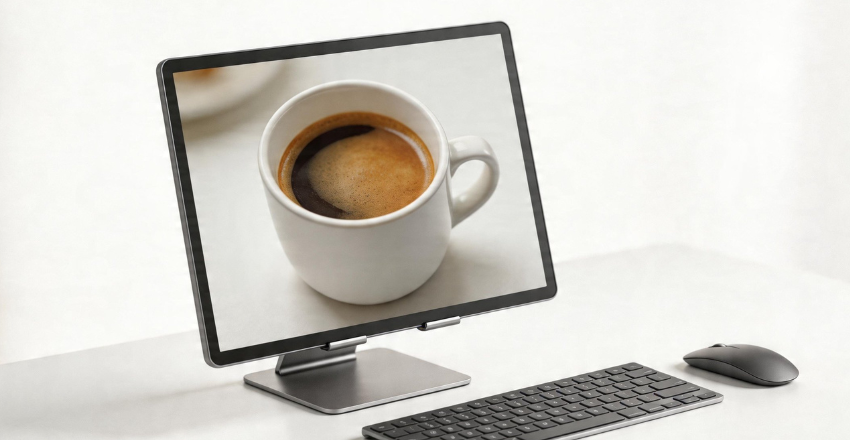
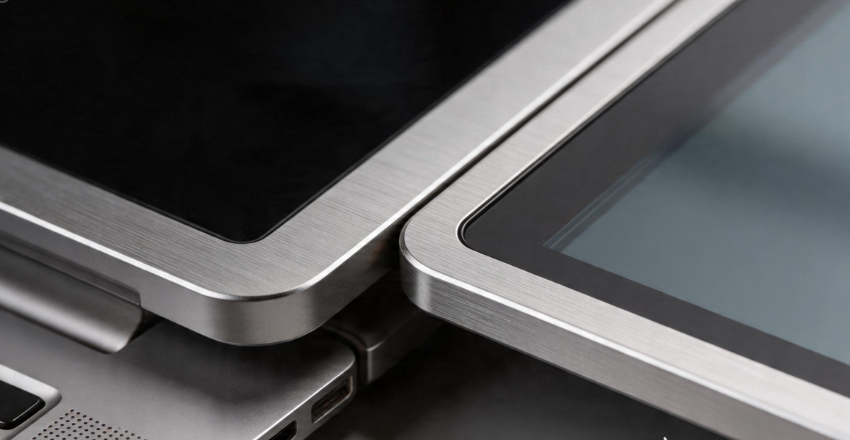
The first thing you notice when unboxing an Espresso Display is its impossibly thin profile. At just 5.5mm, it is thinner than most smartphones. Crafted from aeronautical-grade aluminum, it feels premium and sturdy, avoiding the “plastic” feel common in many budget portable monitors.
This design isn’t just about aesthetics; it’s about the philosophy of “portable productivity.” The display slides into a laptop sleeve alongside your computer without adding noticeable bulk. For digital nomads, this is a game-changer.
10 Powerful Features of the Espresso Display
To understand why this monitor stands out in a crowded market, we need to examine its core features. Here are the 10 features that define the experience.
1. Extreme Portability (The 5.5mm Profile)
As mentioned, the thinness is the headline feature. Whether you choose the 13-inch or 15-inch Model, the weight remains under 2 lbs. It fits into the lifestyle of someone who is always on the move.
2. Single-Cable USB-C Connectivity
Gone are the days of carrying a separate power brick for your monitor. The Espresso Display draws power and video signal through a single USB-C cable. This keeps your workspace clean and reduces the number of cables you need to pack.
3. Aerospace-Grade Aluminum Chassis
The choice of material ensures durability. It can withstand minor bumps during travel while acting as a heat sink to keep internal components cool during long work sessions.
4. Interactive Touchscreen Capabilities
Both Mac and Windows users can enjoy touch functionality. While macOS isn’t natively built for touch, Espresso’s custom software, EspressoFlow, bridges the gap, allowing for intuitive gestures and navigation.
5. EspressoFlow Software Integration
This is the “secret sauce.” EspressoFlow allows you to manage window snapping, brightness, and even auto-rotation with ease. It makes the external monitor feel like a native part of your operating system rather than a clunky add-on.
6. Magnetic Mounting System
The monitor features strong internal magnets designed to work with the MountGo and MountPro stands. You can snap the monitor on and off in seconds, switching between landscape and portrait modes instantly.
7. High Color Accuracy and Brightness
With a 300-nit brightness rating and 99% sRGB color gamut coverage, it’s not just for spreadsheets. Photographers and video editors will find the color reproduction reliable enough for professional creative work on the go.
8. Compatibility Across Devices
While it shines with laptops, it also works with Nintendo Switches, smartphones (using desktop modes like Samsung DeX), and even gaming consoles. It’s a versatile entertainment hub as much as a productivity tool.
9. Palm Rejection Technology
When using the Espresso Pen (sold separately), the display uses smart palm rejection. This allows you to sketch or sign documents naturally, just as you would on a high-end tablet.
10. Built-in Speakers
While thin, it manages to house stereo speakers. They aren’t meant for cinematic bass, but for Zoom calls or watching a quick tutorial; they are surprisingly clear and functional.
Why It’s Perfect for Portable Productivity

- Practical Efficiency: While “Portable Productivity” is a common buzzword, the Espresso Display delivers by eliminating the “Tab-Switching Tax” that often slows down mobile workflows.
- Boosted Output: Research indicates that constantly switching between windows or tasks can cost workers up to 40% of their productivity.
- Maintaining “Flow State”: Users can keep secondary apps like Slack or email open on the Espresso Display while focusing on primary tasks on their laptop, minimizing distractions.
- Versatile Orientation: The ability to flip into portrait mode offers a significant advantage for writers reviewing manuscripts or coders navigating long lines of script.
Performance Insights: How It Handles Daily Work
A review isn’t complete without looking at how the device performs under pressure. During our testing for this Espresso Display Review, we looked at three key areas: latency, outdoor visibility, and power consumption.
Latency and Refresh Rate
The Espresso Display operates at a standard 60Hz refresh rate. For office work, coding, and content creation, this is perfectly smooth. We noticed zero lag between mouse movement on the laptop and the monitor, which is a common pitfall of wireless display solutions.
Outdoor Productivity
Thanks to the 300-nit peak brightness, working on a shaded balcony or near a bright window is feasible. While it struggles in direct, midday sunlight (like most displays), the matte finish significantly reduces reflections.
Impact on Laptop Battery
Since the monitor draws power from your laptop, battery life is a concern. On average, using the Espresso Display at 50% brightness reduced the battery life of a MacBook Pro by about 20-25%. It’s a fair trade-off for the massive increase in efficiency.
Espresso Display Specifications: At a Glance
| Feature | 13-inch Model | 15-inch Model |
| Resolution | 1920 x 1080 (Full HD) | 1920 x 1080 (Full HD) |
| Thickness | 5.5 mm | 5.5 mm |
| Weight | 650g (1.4 lbs) | 865g (1.9 lbs) |
| Brightness | 300 nits | 300 nits |
| Panel Type | IPS | IPS |
| Connectivity | 2x USB-C | 2x USB-C |
| Touch Support | 10-point Multi-touch | 10-point Multi-touch |
The Ecosystem: Mounts and Accessories
The true potential of the Espresso experience is unlocked through its specialized ecosystem of accessories, which transforms a standalone monitor into a highly functional mobile workstation. For users on the move, the MountGo provides a foldable magnetic stand with adjustable height and tilt. At the same time, the MountPro offers a VESA-compatible magnetic solution for those integrating the display into a permanent desk setup.
Protection is handled by The Case, a microfiber magnetic “flip” cover that safeguards the screen and doubles as a convenient basic stand. Finally, creative professionals can enhance their workflow with The Pen, a pressure-sensitive stylus designed for precision sketching and document markup.
Pros and Cons
The Pros
- Unrivaled Aesthetics: It is arguably the best-looking portable monitor on the market.
- Mac Compatibility: The EspressoFlow software makes it the best choice for MacBook users.
- Portability: It is light enough that you genuinely won’t mind carrying it every day.
The Cons
- Price Point: It is a premium product and is priced significantly higher than generic alternatives.
- Resolution: At this price, some users might wish for a 4K option, though 1080p is sufficient for this screen size.
- Accessories Sold Separately: To get the full experience, you often have to spend more on stands and cases.
Who Should Buy the Espresso Display?
- Digital Nomads: If your office is a different city every month, the weight-to-performance ratio is unbeatable.
- Creative Professionals: Photographers and designers who need a reliable second screen for tools and palettes.
- Remote Corporate Workers: Anyone who works from home but likes the freedom to move from the desk to the kitchen table or a local cafe.
Conclusion
In summary, this Espresso Display Review: 10 Powerful Features, Performance Insights, and Why It’s Perfect for Portable Productivity highlights a device that prioritizes quality and user experience over a budget price tag. It is a specialized tool for people who value their time and the aesthetics of their workspace.
While there are cheaper monitors available, few offer the seamless integration, premium build, and sheer “thinness” of the Espresso. If you are serious about your mobile workflow, this monitor is an investment that pays dividends in focus and efficiency. It doesn’t just add a screen; it transforms how and where you can be your most productive self.
Want to know about API Integration Best Practices for Modern SaaS Products Check out our Tech category.
Frequently Asked Questions (FAQs)
It is a portable monitor that extends your screen space for better productivity and multitasking.
It works with most modern laptops that support USB-C display output, including Mac and Windows devices.
Many models draw power directly from the connected device via USB-C.
Some models offer touchscreen functionality, depending on the version you choose.