



The SteelSeries Rival 110 review continues to attract attention even years after its release, proving that great design and reliable performance never go out of style. In a market filled with flashy RGB-heavy mice and expensive high-end options, the Rival 110 stands out as a simple, effective, and affordable choice for gamers.
Whether you are an FPS enthusiast, a casual gamer, or someone building a budget setup, this mouse offers a strong balance of precision, comfort, and durability. In this detailed guide, we explore its features, performance, real-world usability, and why it still holds its place as one of the best budget gaming mice available.
| Category | Details |
| Product Name | SteelSeries Rival 110 |
| Sensor Type | TrueMove1 Optical Sensor |
| DPI Range | Up to 7200 DPI |
| Polling Rate | 1000 Hz (1 ms response time) |
| Design Type | Ergonomic right-handed design |
| Grip Style | Claw, Palm, and Fingertip |
| Buttons | 6 programmable buttons |
| Lighting | Single-zone RGB illumination |
| Build Quality | Lightweight and durable polymer shell |
| Performance Focus | FPS, MOBA, and casual gaming |
| Key Strength | Accurate 1-to-1 tracking performance |
| Software Support | SteelSeries Engine |
| Price Category | Budget gaming mouse |
| Overall Rating | Strong value for budget gamers (4/5) |
| Best For | Entry-level and competitive budget gamers |
Overview of the SteelSeries Rival 110
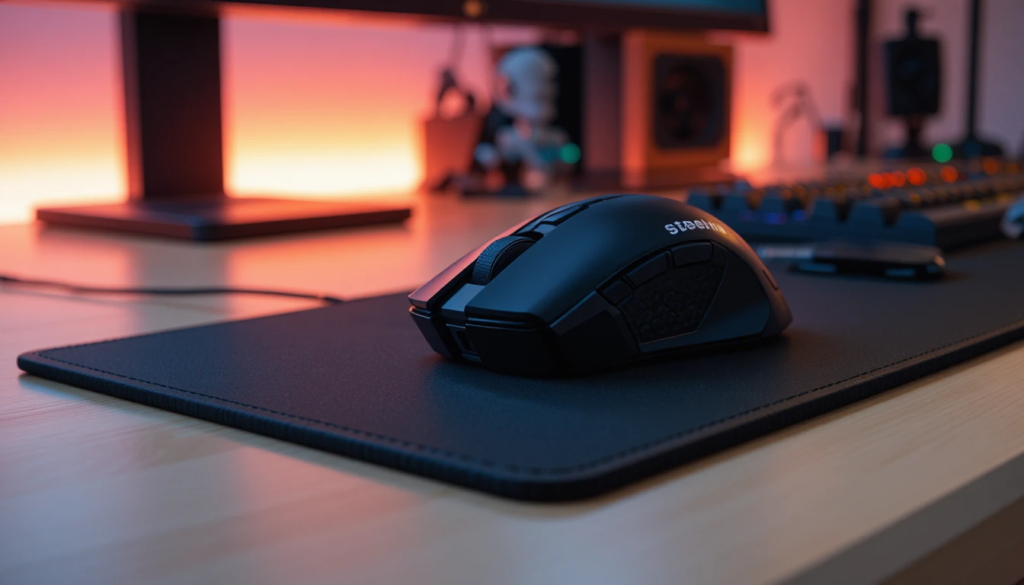
The SteelSeries Rival 110 is designed for gamers who want reliable performance without spending a fortune. It focuses on core essentials like sensor accuracy, lightweight design, and ergonomic comfort.
Unlike many modern gaming mice, it avoids unnecessary complexity and delivers a clean, functional experience. This makes it especially appealing for beginners and competitive players who value consistency over gimmicks.
Key Features of the SteelSeries Rival 110
Before diving into performance, let’s take a look at the standout features that define this mouse.
Core Features:
- TrueMove1 optical sensor
- Up to 7200 DPI sensitivity
- Lightweight design (approx. 87g)
- Six programmable buttons
- RGB lighting with SteelSeries Engine support
- Ambidextrous shape (optimized for right-handed users)
These features make the Rival 110 a well-rounded option for everyday gaming.
Specifications Table
| Feature | Details |
| Sensor | TrueMove1 Optical Sensor |
| DPI Range | 100 – 7200 DPI |
| Weight | ~87 grams |
| Buttons | 6 programmable buttons |
| Connectivity | Wired (USB) |
| RGB Lighting | Single-zone RGB |
| Polling Rate | 1000 Hz |
| Cable Type | Rubber cable |
| Shape | Ambidextrous (right-hand optimized) |
| Best Use | FPS, casual gaming, office use |
This table provides a quick snapshot for readers looking for essential specs.
Design and Build Quality
One of the first things you notice about the SteelSeries Rival 110 is its clean and minimal design. It does not rely on flashy aesthetics; instead, it focuses on functionality. The matte plastic finish feels smooth yet grippy, making it comfortable for long gaming sessions. The lightweight structure ensures quick movements without causing fatigue.
Design Highlights:
- Simple and modern look
- Comfortable grip for most hand sizes
- Durable build despite budget pricing
This combination makes it a practical choice for both gaming and everyday use.
Performance: Real Gaming Experience
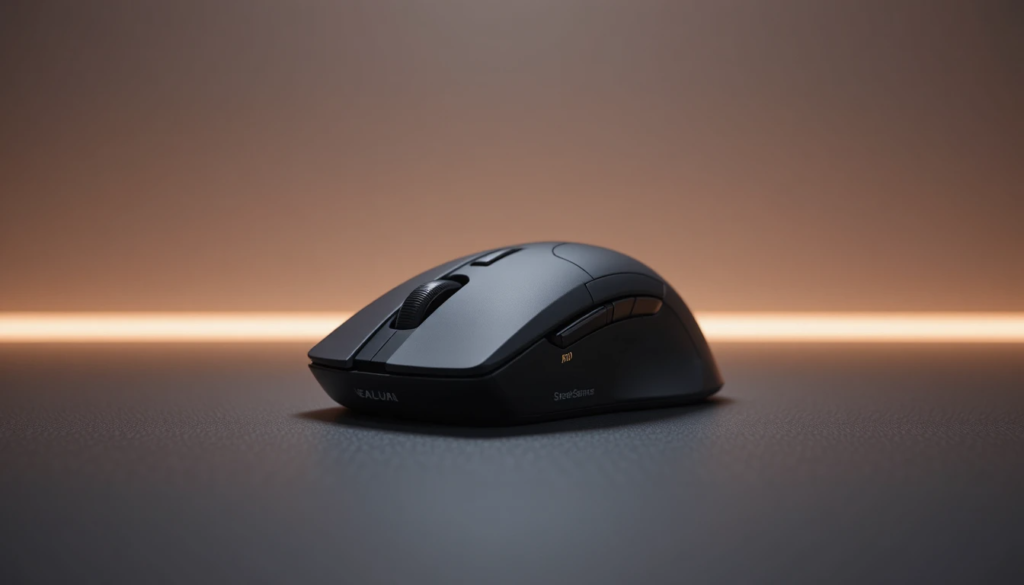
Performance is where the SteelSeries Rival 110 truly stands out. The TrueMove1 sensor is engineered for accurate 1-to-1 tracking, which is especially important in competitive gaming where every movement counts. This ensures that your in-game actions closely mirror your physical hand movements, delivering a highly responsive and controlled experience.
In real-world gaming performance, the SteelSeries Rival 110 performs reliably across different genres. In FPS games, it delivers smooth tracking and precise aiming, helping players maintain accuracy during fast-paced gunfights. In MOBA titles, it offers quick response times and dependable clicks, which are crucial for executing skills and combos effectively. Even in casual gaming, it maintains consistent performance without noticeable lag or tracking issues.
Comfort and Ergonomics
Comfort plays a huge role in gaming performance, and the Rival 110 does not disappoint.
Its shape is designed to fit naturally in the hand, making it suitable for different grip styles, such as:
- Palm grip
- Claw grip
- Fingertip grip
The lightweight design further enhances comfort, especially during long gaming sessions.
Software and Customization
The SteelSeries Rival 110 is supported by the SteelSeries Engine software, which allows users to customize various settings.
What You Can Customize?
- DPI levels
- Button assignments
- RGB lighting
- Polling rate
The software is easy to use and adds extra flexibility without overwhelming beginners.
7 Reasons Why SteelSeries Rival 110 Is Still a Top Budget Gaming Mouse
1. Excellent Sensor Performance
The TrueMove1 sensor delivers accurate and consistent tracking for competitive gaming.
2. Lightweight and Comfortable
At around 87 grams, it is easy to handle and reduces fatigue.
3. Affordable Price
It remains one of the most budget-friendly gaming mice with solid performance.
4. Reliable Build Quality
Despite its price, the mouse is durable and well-constructed.
5. Simple and Clean Design
No unnecessary features—just pure functionality.
6. Customizable Settings
Software support allows users to fine-tune their experience.
7. Great for Beginners and Pros
It works equally well for entry-level users and experienced gamers.
SteelSeries Rival 110 vs Competitors
When compared to other budget gaming mice, the Rival 110 holds its own.
Key Comparisons
- Better sensor accuracy than many budget alternatives
- Lighter than some competitors
- More reliable performance consistency
While newer models may offer more features, the Rival 110 excels in core performance.
Who Should Buy the SteelSeries Rival 110?
This mouse is ideal for:
Best For
- Budget gamers
- FPS players
- Students and casual users
- First-time gaming setup builders
Not Ideal For
- Users who want advanced RGB customization
- MMO gamers needing extra buttons
- Wireless mouse enthusiasts
Understanding your needs helps determine if this mouse is right for you.
Tips to Get the Best Performance
To maximize your experience with the SteelSeries Rival 110, it’s important to fine-tune a few key settings and habits. Start by adjusting the DPI settings to match your personal playstyle, whether you prefer slower, more precise movements or faster, more responsive control. Using a high-quality mousepad also plays a big role in ensuring smooth tracking and consistent accuracy during gameplay.
In addition, keeping the sensor clean helps prevent tracking issues and maintains optimal performance over time. Finally, regularly updating the SteelSeries software ensures you have the latest features, improvements, and bug fixes, all of which can contribute to a noticeably better overall experience.
Pros and Cons
Pros
- Accurate sensor performance
- Lightweight and comfortable
- Affordable price
- Durable build
- Easy customization
Cons:
- Limited RGB lighting
- Wired only
- No advanced features
This balanced view helps users make informed decisions.
Longevity and Value in 2026

Even in 2026, the SteelSeries Rival 110 remains relevant because it focuses on essentials. While newer mice offer additional features, they often cost more.
For users who prioritize:
- Accuracy
- Comfort
- Reliability
This mouse continues to deliver excellent value.
Conclusion
This SteelSeries Rival 110 review shows that sometimes simplicity is the key to success. Even in a competitive market filled with advanced gaming mice, this model continues to stand out because of its reliable performance, comfortable design, and affordable price.
It may not have the latest features or flashy design, but it excels in what truly matters—precision, consistency, and usability. For gamers looking for a dependable budget mouse in 2026, the SteelSeries Rival 110 remains a smart and practical choice.
Its lightweight build and responsive sensor make it ideal for long gaming sessions without fatigue.
Even in competitive gameplay, it delivers stable tracking that keeps performance consistent.
Overall, it proves that simplicity and reliability can still outperform overly complex designs.
Want to know about Why The Y? Benefits Of A Y-Axis On A CNC Lathe Check out our Tech category.
Frequently Asked Questions (FAQ)
It depends on your needs, but it still performs well and offers good value.
Yes, but it is limited to a single-zone RGB.
Absolutely. It is easy to use and perfect for entry-level gamers.
Yes, it is excellent for FPS games due to its accurate sensor and lightweight design.