


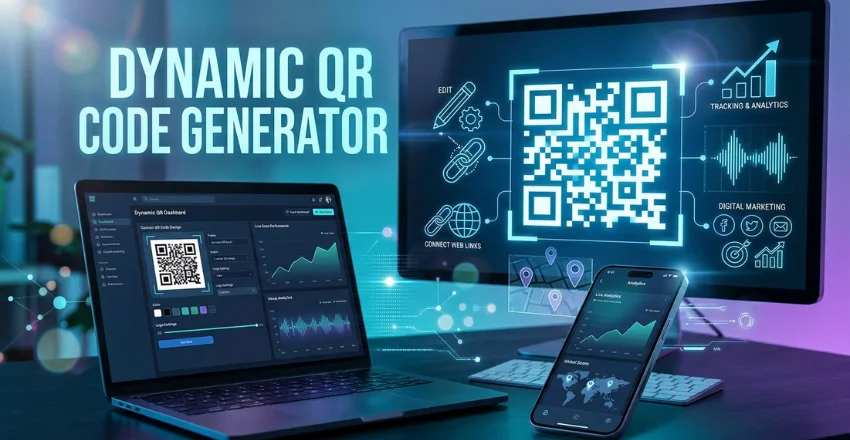
A dynamic QR code generator creates a scannable code whose destination can change after printing. Unlike static codes, the printed pattern doesn’t need replacing when your URL changes. Many platforms also provide scan analytics, branding controls, scheduling, and location-based routing.
A dynamic QR code points to a managed redirect instead of storing the final destination directly. You can update that destination while keeping the printed code unchanged. This setup can also support scan tracking, geographic routing, device rules, and campaign measurement without replacing existing signs, packaging, menus, or flyers.
| Key point | What it means |
|---|---|
| Editable destination | Change the landing page after printing |
| Scan analytics | Measure scans by time, device, or approximate location |
| Geo routing | Send U.S. and international visitors to different pages |
| Branding | Add colors, logos, frames, and sometimes custom domains |
| Campaign control | Pause, schedule, or redirect active codes |
| Common uses | Packaging, menus, flyers, events, retail, and direct mail |
Why Businesses Use Dynamic QR Codes
Printed marketing creates a problem when the linked content changes. A static code keeps pointing toward its original destination forever. A changed URL can therefore turn thousands of printed pieces into wasted inventory.
Dynamic codes separate the printed pattern from the final webpage. The scan first reaches a controlled redirect, which then sends the visitor to your current destination. That small technical difference gives marketers far more control.
For U.S. businesses, this flexibility is useful across retail, restaurants, events, real estate, and direct mail. Teams can update promotions without changing every physical sign. They can also measure which placements produce meaningful traffic.
Readers exploring related technology can find more coverage in Mindspaper’s Tech section. Businesses planning campaigns can also browse the site’s Digital Marketing resources. Both areas provide useful context for connecting offline campaigns with digital experiences.
Dynamic QR Code Generator vs. Static QR Codes
The right choice depends on whether you expect your destination or campaign requirements to change. Static codes remain useful for permanent information that needs no measurement. Dynamic codes make more sense when flexibility or tracking matters.
| Feature | Static QR code | Dynamic QR code |
|---|---|---|
| Change destination later | No | Yes |
| Scan analytics | Usually no | Usually yes |
| Geo-based routing | No | Available on some platforms |
| Device-based routing | No | Available on some platforms |
| Requires hosted redirect | No | Yes |
| Best for printed campaigns | Limited flexibility | Strong flexibility |
| Suitable for permanent simple data | Yes | Yes, but may be unnecessary |
The practical verdict is straightforward. Choose a dynamic option for campaigns you expect to measure, update, localize, or reuse. Choose static for permanent information where future editing and analytics offer little value.
A restaurant Wi-Fi code is a good static example. A seasonal menu, retail promotion, event schedule, or product campaign benefits more from an editable destination. The second group changes often enough to justify managed redirects.
7 Features to Check Before Choosing a Dynamic QR Code Generator
Not every service handles dynamic codes the same way. Free plans can differ sharply in active-code limits, scan caps, analytics history, and branding restrictions. Checking these details before printing can prevent expensive surprises.
1. Destination Editing After Printing
The central feature is the ability to change the destination without creating another printed code. Confirm that edits apply to existing codes instead of requiring a new download. This feature matters most when codes appear on physical materials.
Test the editing workflow before ordering a large print run. Change the destination, scan the original code, and confirm the new page loads. A simple test can reveal account or publishing restrictions early.
2. Scan Analytics
Useful platforms can show how often people scan each code. Many also report dates, devices, and approximate geographic information. These details help businesses compare placements and campaign periods.
Analytics become more valuable when several printed channels use separate codes. A business could compare storefront signs, postcards, packaging, and conference materials. That comparison can guide the next campaign budget.
Businesses already investing in search visibility can connect this thinking with broader measurement strategies. Mindspaper’s guide to SEO for dentists in 2026 shows how digital acquisition channels need measurable outcomes. QR campaigns benefit from the same discipline.
3. Geographic Routing for U.S. Campaigns
Geo routing can send visitors toward different destinations based on their approximate country or region. A U.S. visitor might receive an American product page, pricing page, or promotion. International scans can reach another destination.
This feature is useful for companies selling across several markets. It can reduce the need to print separate codes for each country. Your platform should also provide a default destination when location cannot be determined.
Geographic detection is not the same as precise GPS tracking. Routing usually depends on network-derived location signals and may not always be exact. Campaigns should avoid relying on it for safety-critical or address-level decisions.
4. Reliable Redirects
Every dynamic scan depends on the provider’s redirect service. That makes reliability more important than decorative design options. An attractive code has little value if its redirect stops working.
Check what happens if a trial expires or an account changes plans. Some providers limit active codes or scan volume on lower tiers. Understand those rules before printing codes on materials expected to remain available for months.
5. Branding and Custom Domains
Colors and logos can help a code fit existing campaign artwork. Some services also provide branded short domains for the redirect. That can make the scanning experience feel more connected to the business.
Branding should never compromise readability. Maintain strong contrast and leave the corner detection patterns clear. Always test the finished design across multiple phones before publishing it widely.
Custom domains can also improve trust because visitors see a recognizable brand during redirection. They require more setup and may be restricted to paid plans. Decide whether that benefit matters before comparing prices.
6. Campaign Rules and Scheduling
Some tools can change destinations according to a date, device, country, or other rule. These controls can support promotions that begin or end at specific times. They also reduce manual changes during busy campaigns.
Imagine a conference code that opens registration before the event. During the conference, it could point toward the schedule. Afterward, the same printed code could direct attendees to recordings or follow-up resources.
That flexibility makes one physical code useful across several stages. Teams handling broader digital campaigns may also find Mindspaper’s article about AI advertising and conversational conversions useful. Both approaches depend on matching visitor context with an appropriate next step.
7. Export Quality and Testing
Print projects need a clean file at the correct resolution. Vector formats such as SVG are useful because they scale without becoming blurry. High-resolution raster files can also work when sized correctly.
Test the QR code at the smallest size planned for production. Scan it under different lighting and from realistic distances. Testing should happen after logos, frames, and colors have been added.
Keep enough clear space around the code as well. Busy artwork can make scanning harder when surrounding elements approach the code too closely. A cleaner placement usually creates fewer scanning problems.
How to Create a Dynamic QR Code
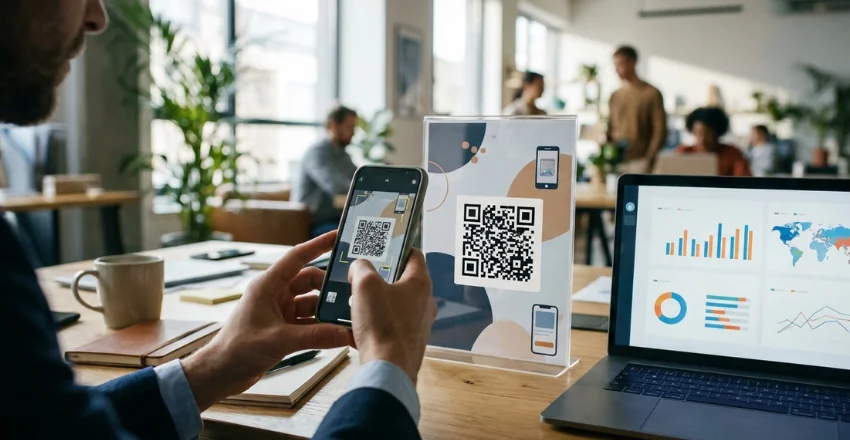
The exact interface differs by provider, but the basic workflow is consistent. You create a managed destination, design the code, and test the redirect. The following process works as a practical checklist.
1. Choose a dynamic URL option. Select the provider’s editable or trackable QR format rather than a static URL code.
2. Enter your destination. Add the webpage visitors should reach after scanning the code.
3. Set routing rules if needed. Configure U.S. routing, device rules, scheduling, or fallback destinations.
4. Customize the design. Add approved colors, a logo, or a frame without reducing contrast.
5. Save the code. Dynamic features often require an account because the destination must remain editable.
6. Test several scans. Use different phones and confirm that redirects reach the correct destination.
7. Download the final file. Choose a suitable format and test the exact artwork before mass printing.
Do not treat the first successful scan as the final test. Scan from several distances and check both cellular and Wi-Fi connections. You should also test every conditional route that your campaign uses.
How U.S. Businesses Can Use Dynamic Codes
Retailers can place them on window signs, receipts, shelf displays, and packaging. The destination can move from a launch page to a seasonal sale later. Printed material can stay in place while the campaign changes.
Restaurants can direct customers toward menus, ordering pages, loyalty programs, or limited promotions. Event organizers can switch from registration information to schedules and post-event content. Real estate teams can update property information without replacing every printed sign.
Direct-mail teams can assign different codes to campaigns or audiences. That approach makes response measurement easier than using one shared link everywhere. It can also show which printed message produces more visits.
A QR scan should lead somewhere useful on a phone. After the scan, fast pages, clear calls to action, and focused content matter. The code itself cannot rescue a confusing landing page.
Free vs. Paid Dynamic QR Tools
A free account can be enough for testing or a small campaign. The important question is what the provider means by “free.” Limits may apply to codes, scans, analytics history, branding, or advanced routing.
| Need | Free plan may be enough | Paid plan may make sense |
|---|---|---|
| One small campaign | Yes | Usually unnecessary |
| Several active codes | Depends on limits | Often |
| Long analytics history | Sometimes limited | Usually |
| Custom domain | Uncommon | Often |
| Country routing | Varies | More common |
| Team access | Limited | More common |
| Large print deployment | Riskier without guarantees | Often preferred |
Do not choose based on the monthly price alone. A cheap plan becomes costly if an expired limit breaks a code printed on thousands of packages. Review the provider’s continued-operation policy before committing physical inventory.
Also check whether codes remain active after cancellation. Providers use different policies, so assumptions can create problems later. Save your original artwork and document every destination used in a campaign.
Privacy and Tracking Considerations
Scan analytics can involve device, time, and approximate location information. The exact data collected depends on the service and configuration. Businesses should understand this before deploying tracking at scale.
Review the provider’s privacy documentation and retention settings. Avoid collecting data that your campaign does not need. Your landing pages should also follow your organization’s normal privacy and consent requirements.
Geo routing deserves the same review. Approximate country detection can be useful without identifying a person’s exact location. Keep the routing purpose narrow and explain data practices where appropriate.
Common Mistakes to Avoid
The first mistake is printing without testing the final artwork. Another is assuming every free plan stays active under unlimited traffic. Teams also forget to test fallback destinations when routing rules do not match.
Avoid making the code too small or placing it against low-contrast backgrounds. Do not hide it inside crowded graphics where users cannot recognize it quickly. Clear placement supports faster scanning.
Finally, do not send every campaign to a generic homepage. Match the destination with the reason someone scanned the code. A strong post-scan experience is more important than elaborate code styling.
Frequently Asked Questions
What is a dynamic QR code generator?
A dynamic QR code generator creates codes that use a managed redirect instead of permanently storing the final webpage. You can change the destination after printing without changing the visible QR pattern. Many services also add analytics, branding, scheduling, and routing rules.
Can I change a QR code link after printing?
Yes, if the original code was created as a dynamic code. You update its destination inside the provider’s dashboard. Existing printed copies then continue using the same redirect.
A static code works differently because its destination is encoded directly. Its URL cannot be replaced after printing. You would need to generate and print another code.
Do dynamic QR codes expire?
The QR pattern itself does not contain a built-in expiration date. The redirect service behind it may still have account, subscription, or usage rules. Check the provider’s policy before using a code on long-lived materials.
Some platforms keep free codes active indefinitely, while others impose plan limits. Paid subscriptions can also have different cancellation policies. Confirm these details before committing to a large print run.
Can one QR code send U.S. visitors to a different page?
Yes, some platforms support country-based routing. You can direct U.S. scans toward one landing page and international scans elsewhere. The feature depends on the service and plan you choose.
Always configure a fallback destination. Network-based location detection can occasionally be unavailable or inaccurate. The fallback prevents unmatched visitors from reaching an error page.
Can dynamic QR codes track scans?
Yes, tracking is a common reason businesses choose dynamic codes. The redirect can record each request before sending the visitor onward. Available reports may include scan time, device type, and approximate location.
Analytics depth varies between providers and subscription levels. Check retention periods and export options before selecting a service. Businesses should also review the provider’s privacy practices.
Are dynamic QR codes better than static codes?
They are better when you need editing, tracking, localization, or ongoing campaign control. Static codes remain practical for permanent information that will never require those features. The right choice depends on the job.
For printed marketing, the ability to update a destination can prevent unnecessary reprints. For simple permanent data, a static code removes dependence on a hosted redirect. Neither format is automatically right for every use.
Choosing the Right Setup
Start by deciding how long the code will remain in circulation. Then list the features your campaign truly needs. Editing, analytics, U.S. routing, custom domains, and team access should be evaluated before design extras.
For most marketing campaigns, an editable code with dependable redirects and useful analytics is the practical choice. Add geographic routing only when visitors genuinely need different destinations. Keep the setup simple enough for your team to manage confidently.
Before sending artwork to a printer, change the destination once and scan the existing code again. Test every route and confirm the mobile landing page loads correctly. That final check can protect an entire print run.